What Is a Wallet: From Your Phone Wallet to a Crypto Wallet
21 Sep 2026
The word wallet probably sounds familiar already. You’ve seen it on your phone, in a payment app, or when adding a card so you can pay from your device. But when you enter the crypto world, the word comes up again, and this is where the confusion starts: a crypto wallet doesn’t work exactly like the wallet on your phone.
The first one stores your cards so you can make payments. The second one lets you access your digital assets and move them using your keys. Understanding that difference from the start can save you more than a few headaches.
The wallet you already have on your phone
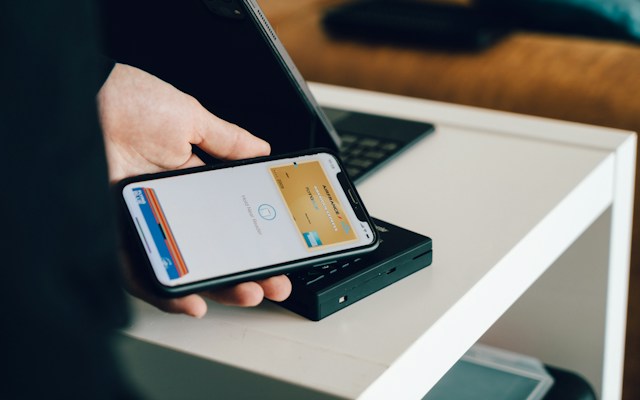
A digital payment wallet is like a wallet for your cards. You add your debit or credit card, keep it on your phone, and can pay with your device instead of digging around for the physical card in your wallet.
But here’s the important part: the money isn’t actually stored in that wallet. If you have $2,000 in your bank account, those $2,000 are still at the bank. The wallet simply lets you use your card from your phone.
With a crypto wallet, things work differently. You’re not storing cash, cards, or digital pesos in a little virtual wallet. You’re using a tool that lets you view your digital assets and make transactions on the blockchain. That’s why when you search for “what is a wallet,” the answer depends on which one you mean. For payments, it’s a digital wallet for your cards. In crypto, it’s the tool you use to manage your assets and accounts on the blockchain. Basically, a wallet is a tool for interacting with an account and managing digital assets.
A crypto wallet doesn’t store coins, it stores keys
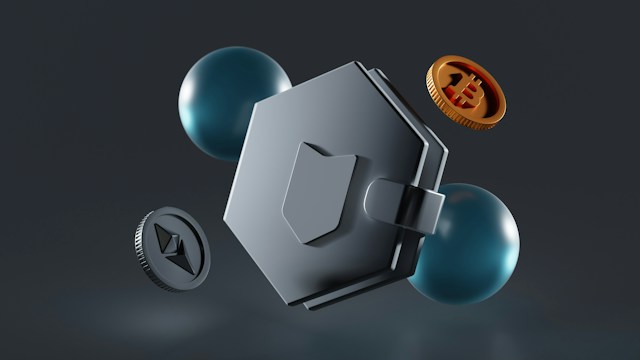
Here’s where things get important. A crypto wallet doesn’t actually store your coins. Your cryptocurrencies live on the blockchain. The wallet is the tool that lets you view your balance and move your assets using your keys.
Think of it as having a bank account. Your wallet address is like your CLABE, which you can share so someone can send you money. Your private key or seed phrase is like your PIN, and that is something you should never share with anyone. You can share your CLABE so someone can make a bank transfer to you. You can also share your wallet address so someone can send you cryptocurrency. But your private key is what allows you to approve transactions. Never share it.
Wallet address, private key, and seed phrase
Here are three concepts you absolutely need to understand, so let’s keep them simple and detailed:
- Address: It’s like your CLABE. You can share it to receive crypto.
- Private key: It’s like your PIN. You use it to authorize transactions. Never share it.
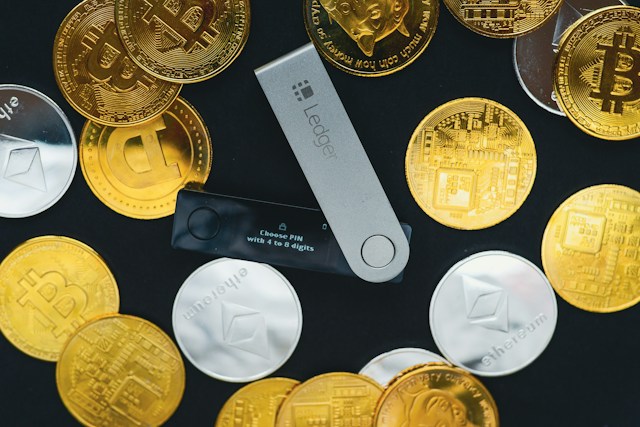
- Seed phrase: A set of 12 or 24 words that lets you recover your wallet if you lose access. Write it down on paper and don’t store it on your computer or phone.
All three are important, but the seed phrase is especially important. That’s why you should write it down and keep it somewhere safe instead of storing it on a computer or taking a screenshot. And no, it’s not a password that you can ask someone to “reset” if you lose it. With a self-custody wallet, if you lose your seed phrase and don’t have another recovery method, you may lose access to your assets.
Custodial or self-custody: who holds the keys?
There are two main types of wallets, and the key difference is who controls the keys. Here’s another word you’ll probably come across sooner or later: custody.
With a custodial wallet, a company holds the keys for you. It’s like giving the keys to your apartment to a property manager. You can recover access just like with any other account (with a username and password), but you depend on that company. If the company shuts down or runs into problems, you could have difficulty accessing your funds.
With a self-custody wallet, the keys belong to you, and so does the responsibility. Nobody else can access your funds, but if you lose your keys or seed phrase, there is no “technical support” that can recover them for you. Here, you really are your own bank, with all the work that comes with it.
Each option has its advantages and risks. A custodial wallet is more convenient, but it means relying on a third party. A self-custody wallet gives you full control, but it requires you to be much more careful about security. You decide which option works better for you.
How to receive your first crypto in a wallet
Let’s say you already have a wallet and someone is going to send you crypto. What do you do? You don’t need to overcomplicate it, but you do need to pay attention to a couple of details. Here’s the step-by-step guide:
1. Open your wallet and select “Receive.” Your wallet will show you an address and, usually, a QR code.
2. Copy the address or use the QR code. Copying and pasting is better than typing an address manually. One wrong character and the funds could be lost.
3. Check the network. This is crucial. The sender needs to use a network that is compatible with the one you’re using to receive the funds. It’s not enough for both transactions to say, for example, “USDC.”
4. Wait for confirmation. Transactions need to be confirmed on the blockchain. If you don’t see the funds, you can check the transaction status using a blockchain explorer.
Where B4bit comes in
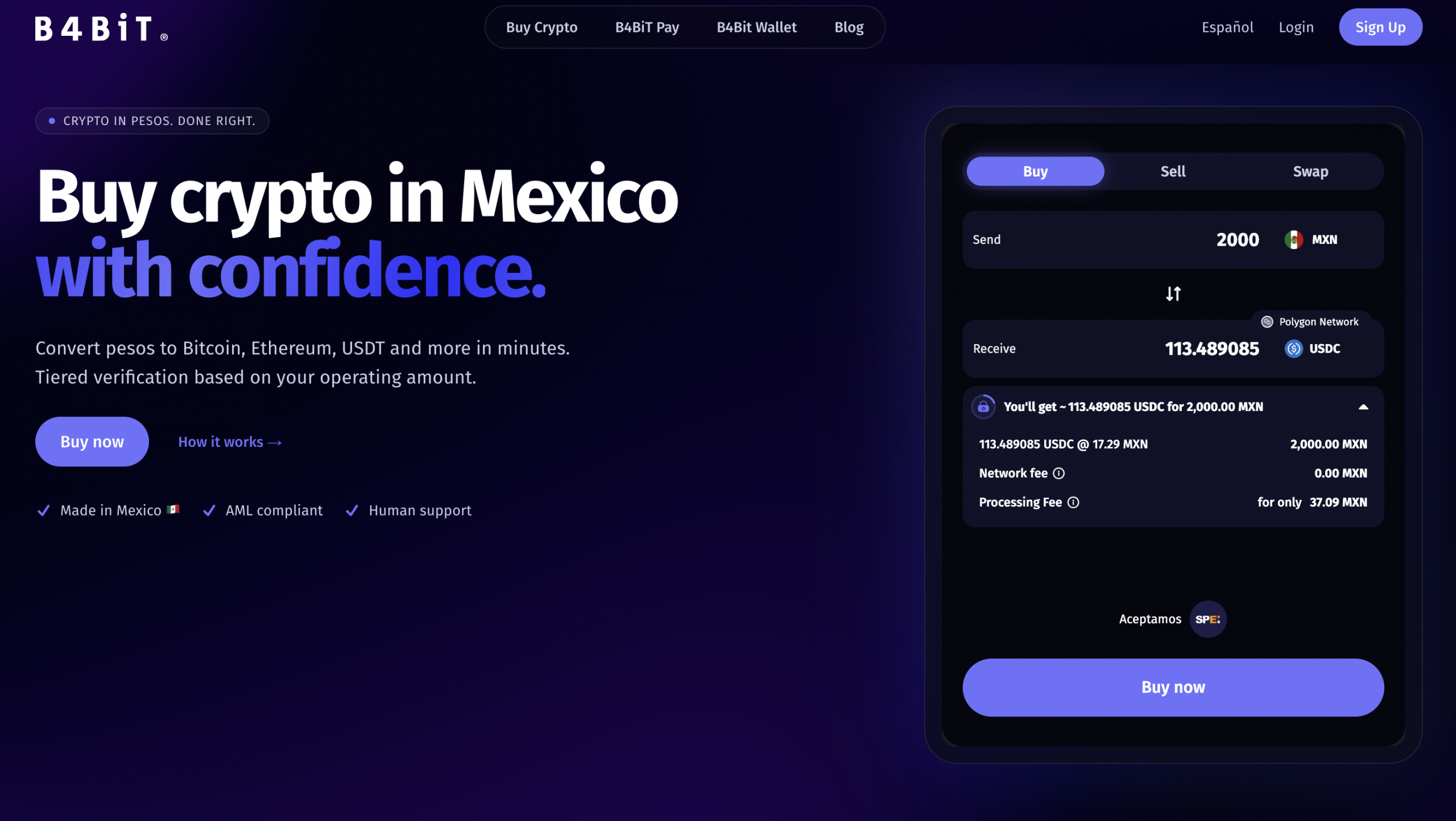
If you want to buy crypto with pesos, B4bit is a useful tool because you can receive the crypto in the wallet you prefer. That’s why you need to understand how a wallet works before buying. B4bit supports more than 16 cryptocurrencies across 10 networks, including Lightning Network. B4bit Wallet will also be available soon.
This means that if you want to use your own wallet, you can do so with whichever option you prefer while that feature becomes available. You can check the available features here. And if you want to learn more about converting pesos to crypto and vice versa, you can check our guides on buying crypto with a card and SPEI and crypto.
Mistakes that can cost you money
With wallets, some things seem like small details until they suddenly aren’t. When a tiny mistake, like one wrong letter, can cost you thousands of pesos, it pays to understand what you’re doing. These are some of the most common mistakes that can make you lose money, and it’s worth knowing about them before you start using a wallet:
- Sending through the wrong network. If you send USDT through the Ethereum network to a wallet that only receives USDT through the Tron network, you could lose the funds. It’s like sending a bank transfer to the wrong account. The money goes where you sent it.
- Sharing your seed phrase. Never, under any circumstances, share your 12 or 24 words with anyone. Whoever has that phrase has full access to your wallet. It’s like giving your PIN to a stranger.
- Trusting “support” that asks for your keys. No legitimate support team will ask for your seed phrase or private keys. If someone asks for them, it’s a scam. Period.
- Not making a test transaction. Before sending a large amount, make a test transaction with a small amount to make sure everything arrives correctly. Better safe than sorry.
- Thinking you can cancel a transaction. Once a transaction has been confirmed on the blockchain, it cannot be canceled or reversed. That’s why checking everything before confirming is so important.
This doesn’t mean you need to be afraid of blockchain transactions. You just need to be careful.

So, which wallet should you use?
Before choosing a wallet, there’s one question that matters more than the app’s design or the features it offers: who controls the keys?
If you use a custodial wallet, the company handles the custody. If you use a self-custody wallet, you are responsible for the keys and recovery. Here, there’s no “I forgot my password” option that can save you. And if you choose self-custody, take extra care when storing your seed phrase. The simplest option is often the most practical. Write it down on paper and keep it somewhere safe. No photos on your phone, no screenshots, and don’t store it in the cloud.
A wallet can seem complicated when you’re just getting started, but the basic idea is much simpler. Your assets are on the blockchain, and the wallet lets you interact with them. What really matters is understanding which address you can share, which keys you need to protect, and which network you’re using. If you decide to get started with B4bit, you can do so here.
Frequently asked questions
1. What is a wallet used for?
A wallet lets you view your crypto balance, receive funds, and send them. It doesn’t store the coins themselves; it stores the keys that allow you to move them on the blockchain.
2. Is a wallet the same as a bank account?
Clearly not. A bank account is protected by regulations and, in many cases, by deposit insurance. A crypto wallet does not have that same protection. If you lose your keys, you lose access.
3. What happens if I lose my seed phrase?
If you lose your seed phrase and also lose access to your wallet, there may be no way to recover the funds. That’s why it’s crucial to write it down on paper and keep it somewhere safe.
4. Can I use the same wallet across multiple networks?
It depends on the wallet. Some wallets support multiple networks, but each network has its own address. Check that the wallet you use is compatible with the network you need.
5. Is it safe to share my wallet address?
Yes. Your address is like your CLABE. You can share it to receive funds. What you should never share is your private key or seed phrase.
What is USDT and how much is it worth in Mexican pesos?
If you’ve ever seen “USDT” in an app, a wallet, or even a WhatsApp group and wondered what the heck it means,…
Bitcoin or USDC? Which one suits your pocket best based on your needs
If you are here, it is because you have surely heard about the world of cryptocurrencies and are wondering which option fits…
What is a cryptocurrency and how its works?
Surely you’ve seen Bitcoin and cryptocurrencies popping up more and more in the news, interviews, and those conversations where someone suddenly drops…