MTU: The Transfer Limit Your Bank Now Applies
16 Oct 2026
Imagine you need to send your rent payment through SPEI today. You open your banking app, make the transfer, and suddenly it asks you for an extra code. Or worse, the transaction simply won’t go through, and you have no idea why.
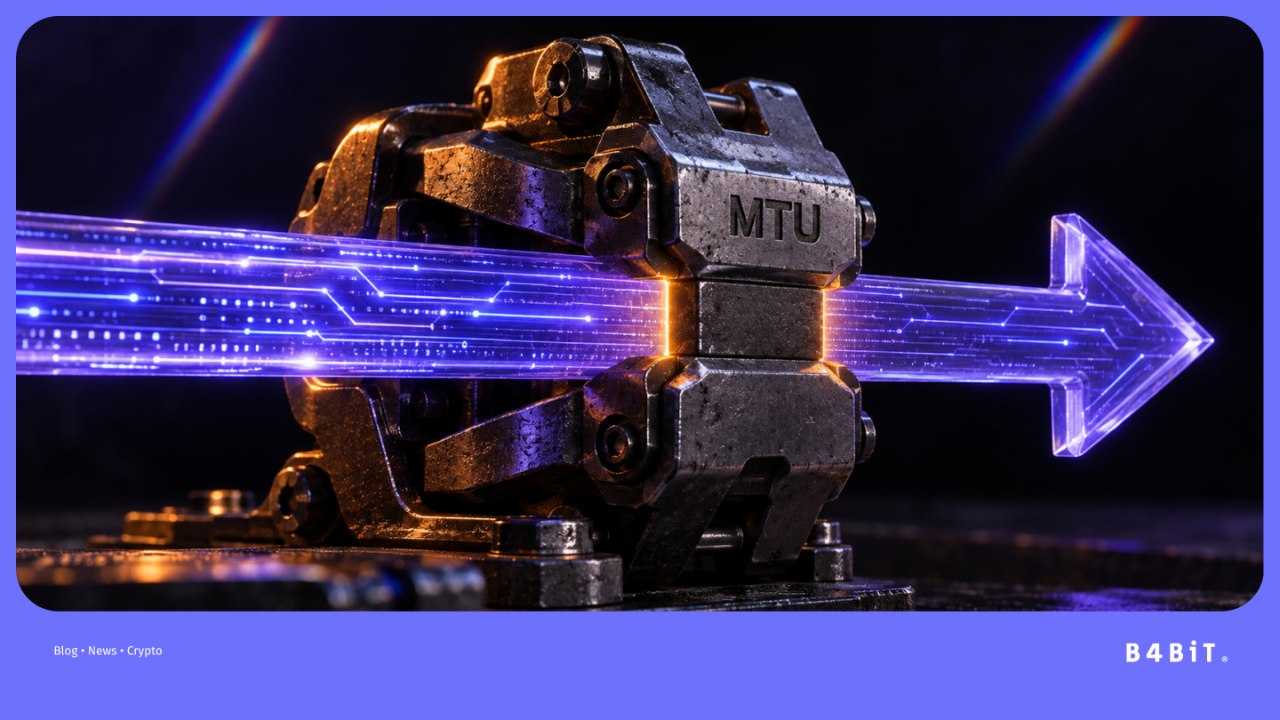
Don’t panic. It could simply be the MTU, short for Monto Transaccional del Usuario, or User Transaction Amount. This is a security measure that sets a limit on certain transactions you make through digital banking. You can adjust it to match the amounts you normally need to transfer.

What Is the User Transaction Amount (MTU)?
Let’s break it down. The User Transaction Amount (MTU) is a reference amount for monetary transactions you make as an individual through your bank’s online banking service, telephone banking, or mobile app.
Basically, it’s the limit you can set for your digital transactions. If you don’t set one yourself, your bank may estimate it based on your transaction history or the behavior of users with similar profiles.
Think of it as a spending limit you set on an additional card. It doesn’t mean your money is restricted or that you can’t receive larger amounts. It simply places a security cap on certain transactions you make through digital channels.
The measure was established by Mexico’s National Banking and Securities Commission (CNBV) through an amendment to the general provisions applicable to credit institutions. It was published in the Official Gazette of the Federation on June 14, 2024. Since then, banks have been incorporating MTU into their systems.
Which Transactions Does MTU Apply to?
MTU works in a straightforward way: it helps protect transactions you make through digital banking. For example, it may apply when you make:
- SPEI transfers through your banking app or online banking.
- Bill payments through those channels.
- Payments to other people’s cards.
- Certain digital transactions, such as CoDi or DiMo, depending on the service your bank uses.
If you want a refresher on how SPEI transfers work, check out our guide to SPEI and crypto. Now, here’s an important clarification, because this topic has caused quite a bit of confusion: MTU limits the money you send, not the money you receive.
If someone transfers MXN 50,000 to you, that doesn’t mean your account’s MTU must also be MXN 50,000. The limit is designed for transactions you authorize through your bank’s digital channels. It also isn’t a general limit on everything you do at a physical branch or teller window.
Here are the cases where it doesn’t apply:
- Transactions made at a bank teller window.
- Transactions made at an ATM.
- Money you receive (the MTU only limits certain outgoing transactions).
Level 1 bank accounts are also exempt from these rules. These are simplified accounts with specific deposit limits.

What Happens If You Haven’t Set It Up?
There’s a misconception that has been circulating for months. Some people believe that if they don’t configure their MTU, the bank automatically assigns a limit of 1,500 UDIs, making it a universal rule for every bank.
It’s not that simple. Under the regulations, if you don’t set your own MTU, your bank may estimate it using your transaction history or the transaction profiles of other users with similar characteristics.
Your bank must inform you of the amount it determines. That’s why there isn’t one single figure we can give you as “the automatic MTU for every bank.” There’s also no MXN 12,800 fine for failing to set your MTU. That figure went viral because it was linked to the approximate value of 1,500 UDIs, but it isn’t a fine imposed on users. Mexico’s consumer protection agency, Condusef, explained that MTU is a security measure and that banks may determine the limit if you don’t set it yourself.
What Happens If You Try to Make a Transaction Above Your MTU?
This is when the famous extra code may appear. The regulations state that when a monetary transaction exceeds the MTU, the institution must request an additional authentication factor before carrying it out. In other words, it may ask you to complete another verification step to confirm that you’re the person authorizing the transfer.
So, if your banking app suddenly tells you to “confirm this transaction” and sends you an additional code, it doesn’t necessarily mean something has gone wrong. It could simply be the extra security layer associated with MTU.
How to Set Up or Change Your MTU
Now that you know what it is, let’s look at how to configure it. The exact menu name varies from bank to bank, but the process is generally similar. Here’s what to do:
1. Open your banking app or online banking. Look for the settings, security, or transaction limits section.
2. Search for “MTU,” “Monto Transaccional,” or “Transaction Limit.” For example, if you’re a BBVA customer and search for “BBVA MTU,” you’ll find that bank’s specific instructions. You can do the same with the name of your own bank.
3. Choose the amount you want to set. Think about how much money you usually move through digital banking and which large payments you typically make.
4. Confirm the change. The regulations provide for changes made electronically to require at least two authentication factors from different categories, as well as a confirmation notice from the bank.
You can also change your MTU by signing a request at a bank branch, after verifying your identity. And if you’re wondering, yes: you can change it whenever you need to. It’s not an amount you choose once and have to keep forever.
What MTU Limit Should You Set?
We’re not going to tell you to “set it at MXN 20,000” or “set it at MXN 50,000,” because there’s no perfect amount for everyone. Think about your actual monthly transactions. Do you pay MXN 15,000 in rent? Do you send money to family? Pay tuition? Make a large purchase every now and then?
Review those transactions and leave yourself a reasonable margin. Setting a limit of MXN 100,000 just to avoid any hassle isn’t necessarily a good idea. A limit that’s too high reduces the usefulness of this protection, while one that’s too low may get in the way whenever you need to make a slightly larger payment. The goal is to find a limit that works for your everyday needs.
Why Does MTU Exist? Digital Fraud Prevention
The reason MTU exists is pretty straightforward. Today, you do almost everything on your phone. You pay bills, send money, shop, and make transfers. If someone manages to access your digital banking, one of the first things they might try is moving money out of your account.
MTU adds a barrier. If that person tries to make a transaction above your established limit, the bank may request additional authentication before authorizing it. This doesn’t guarantee that you’ll never have a problem, but it does add another step between someone trying to access your account and an unusual transfer.
Of course, MTU doesn’t replace basic security measures. Never share your passwords, PIN, or security codes. Whether you’re using a bank account or a wallet, your first line of defense is how you protect your access credentials. If you want to understand how wallets work and which information you need to protect, you can read more here.
Understanding what MTU is and how it works is a basic step for anyone who uses digital banking. Taking two minutes to check your MTU today could save you from a failed transfer when you need to make an urgent payment—or from a nasty surprise if someone gains access to your account.

Frequently Asked Questions
1. What happens if I don’t set up my MTU?
Forget about fines or automatic charges. If you don’t set your own MTU, your bank may calculate one based on your transaction history and other similar user profiles. If you later try to make a transaction above that amount, the bank may request additional authentication.
2. Is there a fine for not activating it?
No. There is no MXN 12,800 fine for failing to set your MTU. That figure came from linking the value of 1,500 UDIs to the value of the UDI, but it isn’t a fine you have to pay for not setting your limit.
3. Does MTU limit the money deposited into my account?
No. MTU focuses on transactions you make through certain digital channels. If someone sends you money, their transfer doesn’t have to match the MTU you’ve configured.
4. Can I change it whenever I want?
Yes. You can change your MTU whenever you need to through the options your bank provides, such as its app, online banking, or a physical branch.
5. Does it apply to ATMs and in-branch transactions?
No. MTU applies only to digital transactions through your banking app or online banking. This limit does not apply to ATM transactions or transactions at a teller window.

POV: You explain to your coworker at lunch what Bitcoin is
Surely it’s happened to you that, halfway through lunch hour, some coworker comes up to ask you about something they heard in…
Freelancer in Mexico: How to Get Paid by Foreign Clients
You’ve just finished the project your client asked you to work on. You send over the files and the client tells you…
SPEI and Crypto: The Guide to Move Your Pesos to USDC Without Complications
Moving your money shouldn’t be a headache. If you use SPEI to pay rent, send money to your family, or settle with…